
In the news feed you can find important information such as invitations, daily activities and pictures. It can be accessed by tapping “news feed” in the lower left hand corner.
You can view the news feed of a single child or all your children at once. You can change this by swiping the profile pictures in the top of the screen.

Gain an overview of activities related to your child(ren) in the calendar function. Access it by tapping “Calendar” in the bottom of the screen.

Choose to view activities by the day, week or month in the top of the screen.

Choose child or activity type by pressing the filter in the top right.

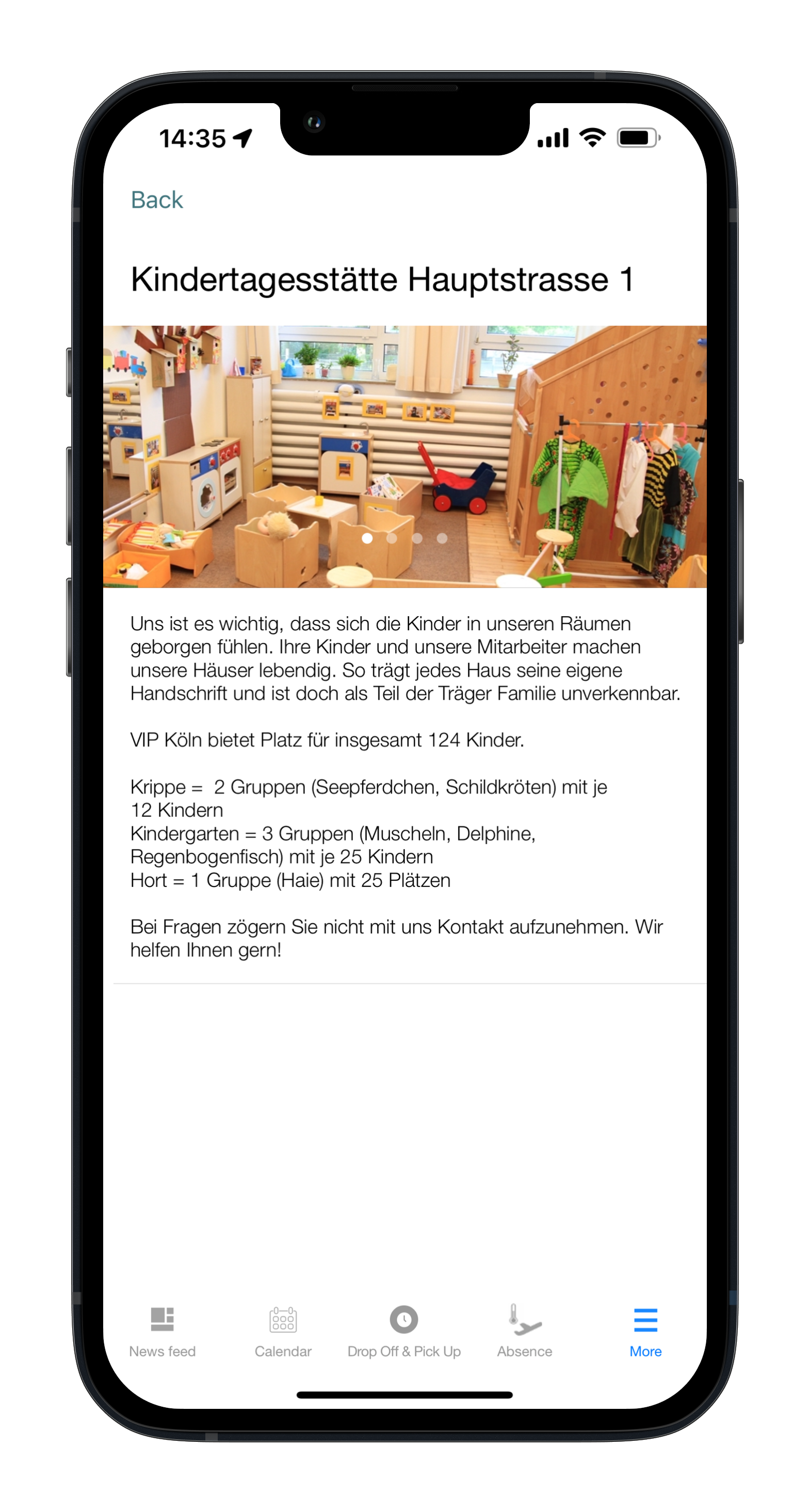
In the “Site Presentation” function, you will find information about the kindergarten

Reach the teachers via the messenger function. It can be accessed by choosing “messaging” in the “more” tab.

Select a child, and you will be able to start a conversation with the teachers of that child.

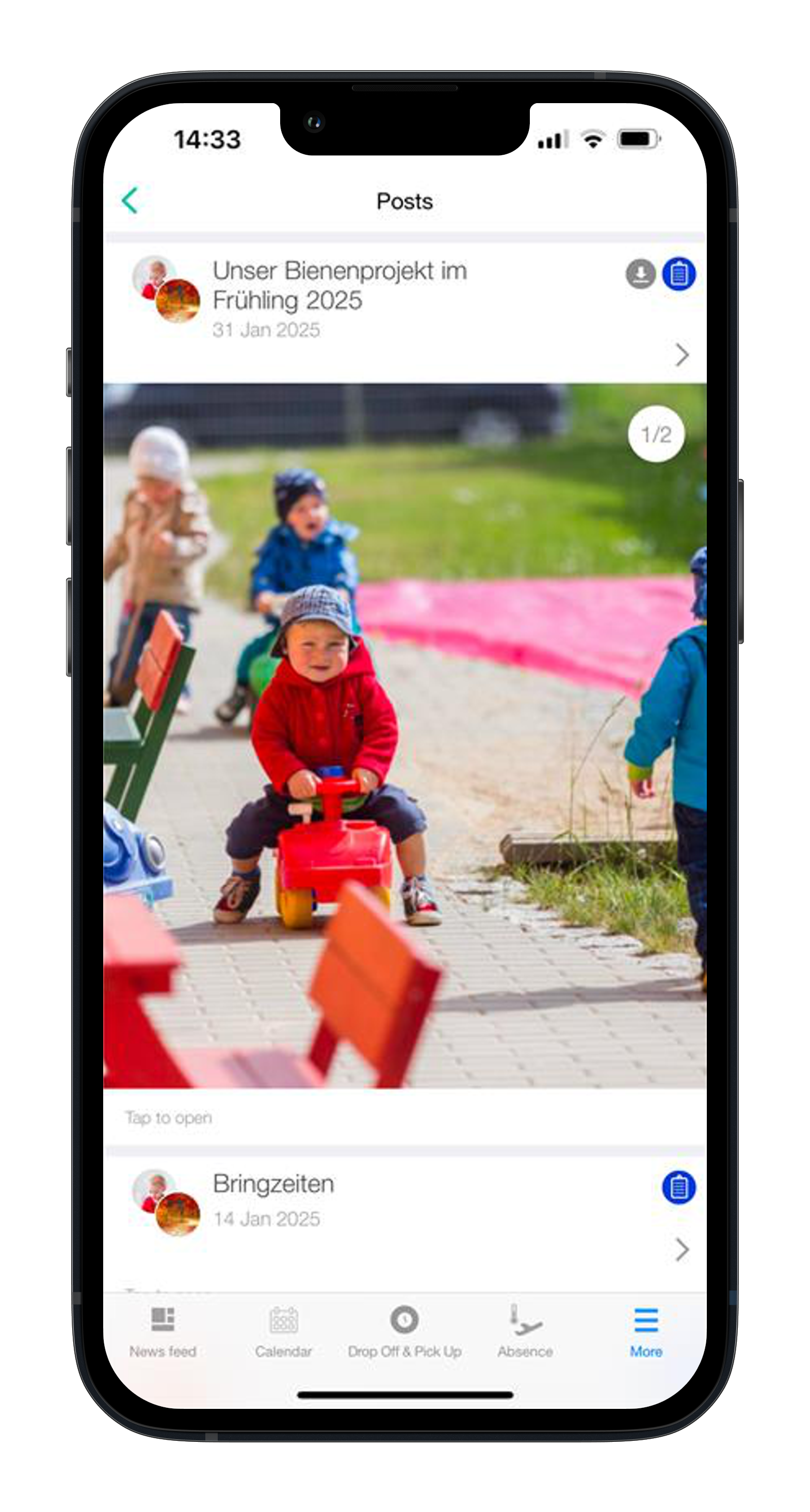
Find all old posts my tapping “posts” under the “more” tab. Tab a specific post to view it.
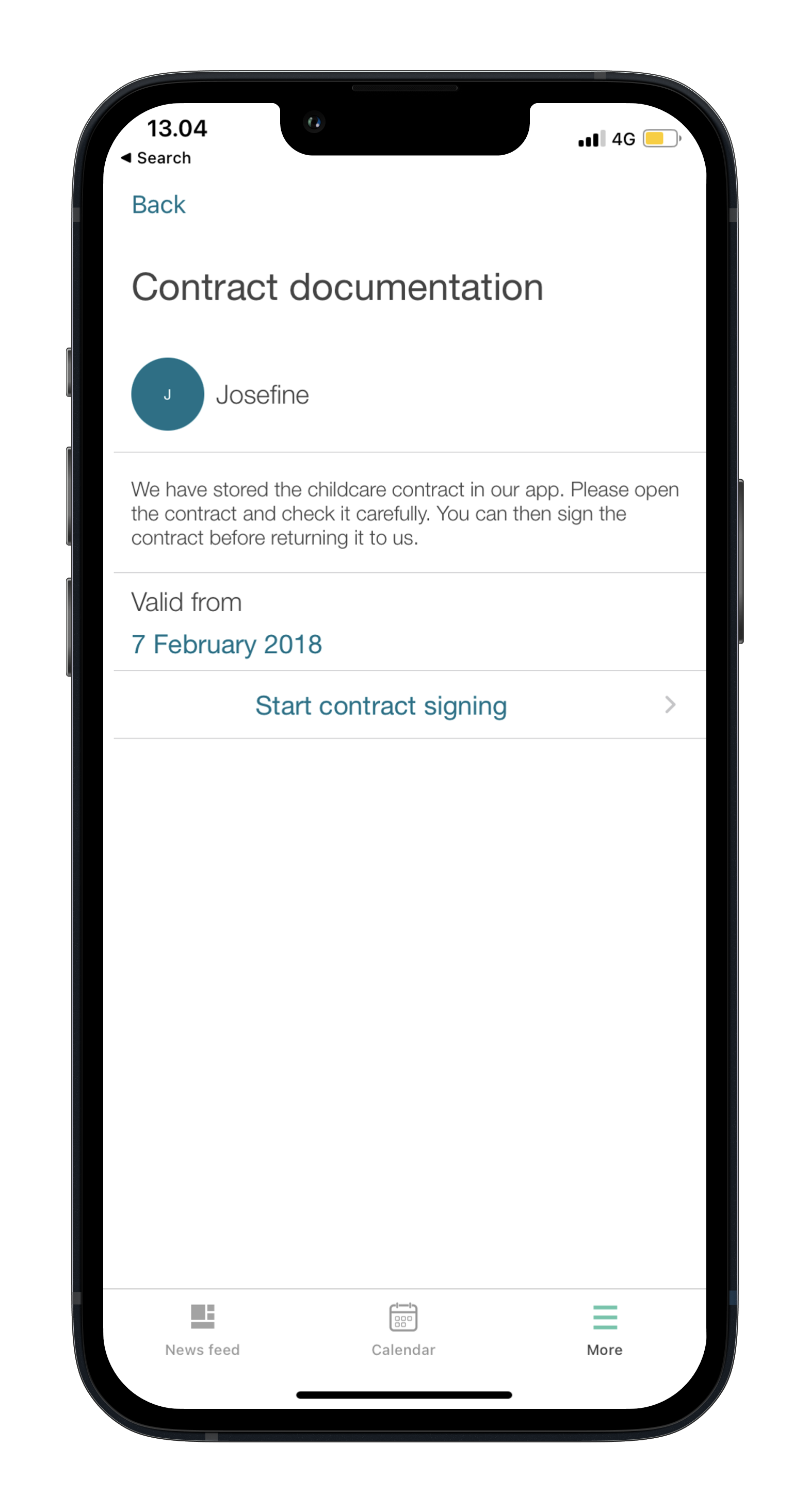
In the function “Contracts” you will be able to gain an overview of contracts and sign new contracts send by the Standort.
If you have more than one child please chose the specific child and “Start contract signing”
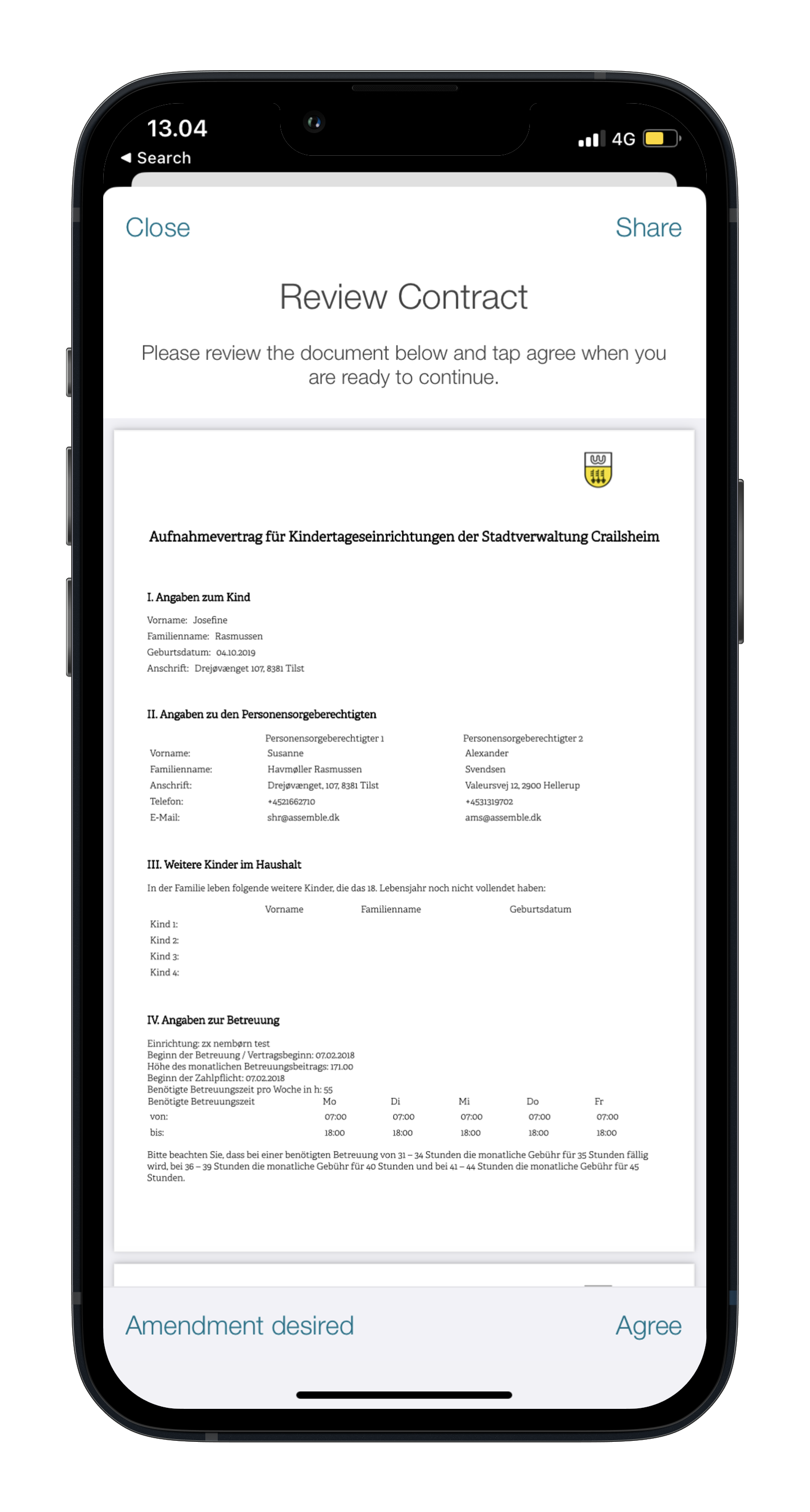
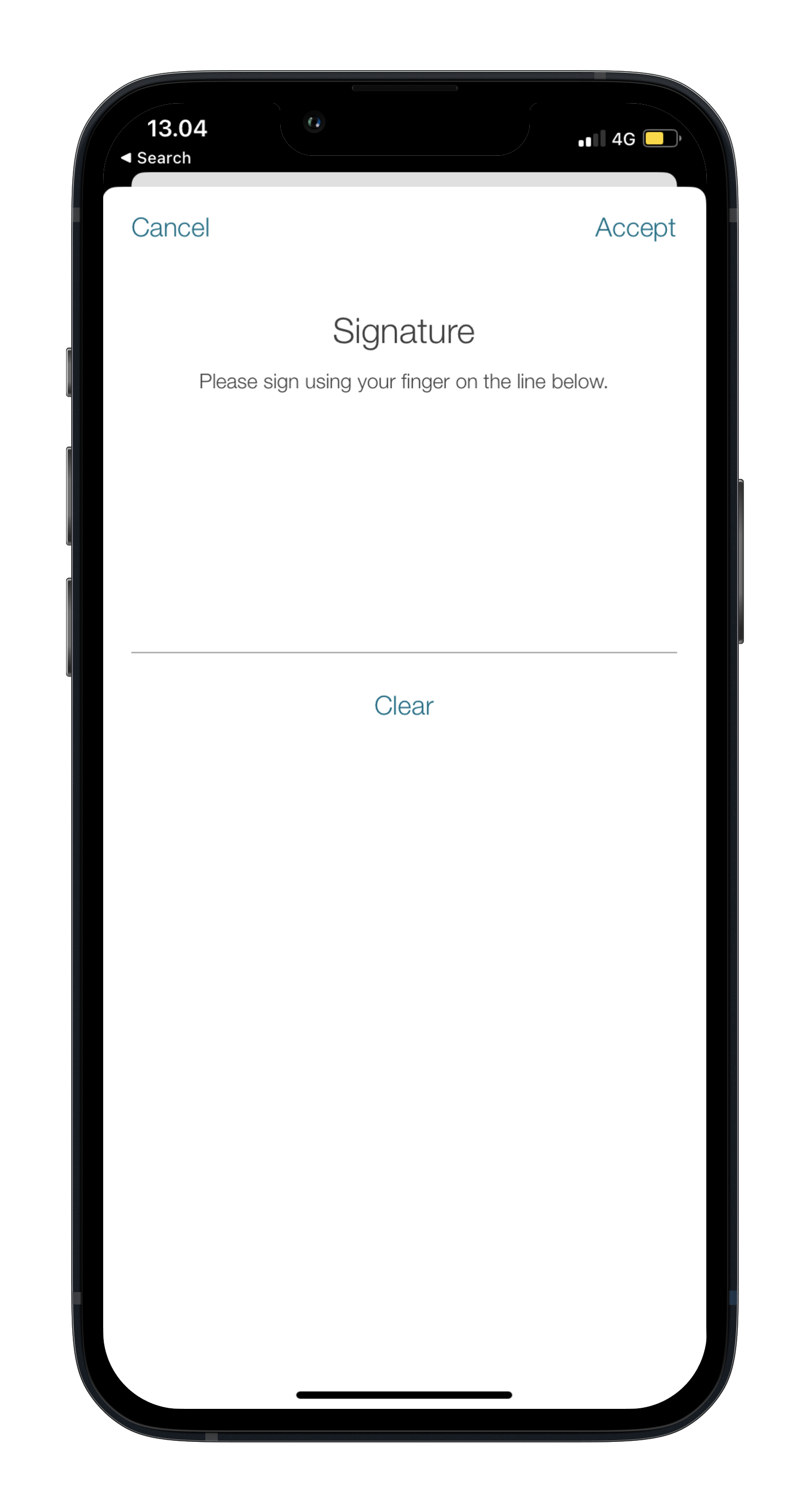
Please review contract and add signature after tapping “Agree”
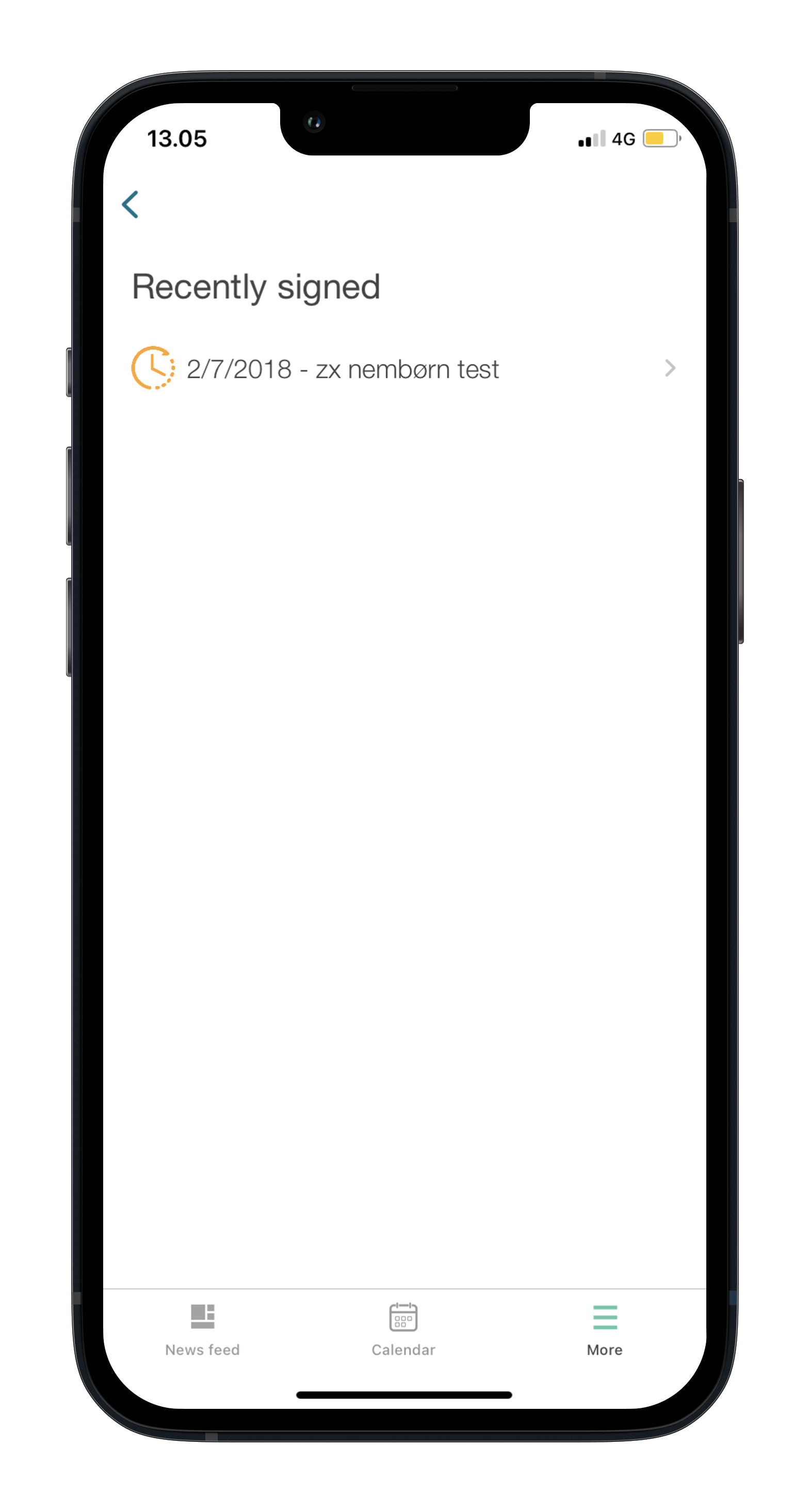
 Afterwards the function will give you an overview of the status of all contracts
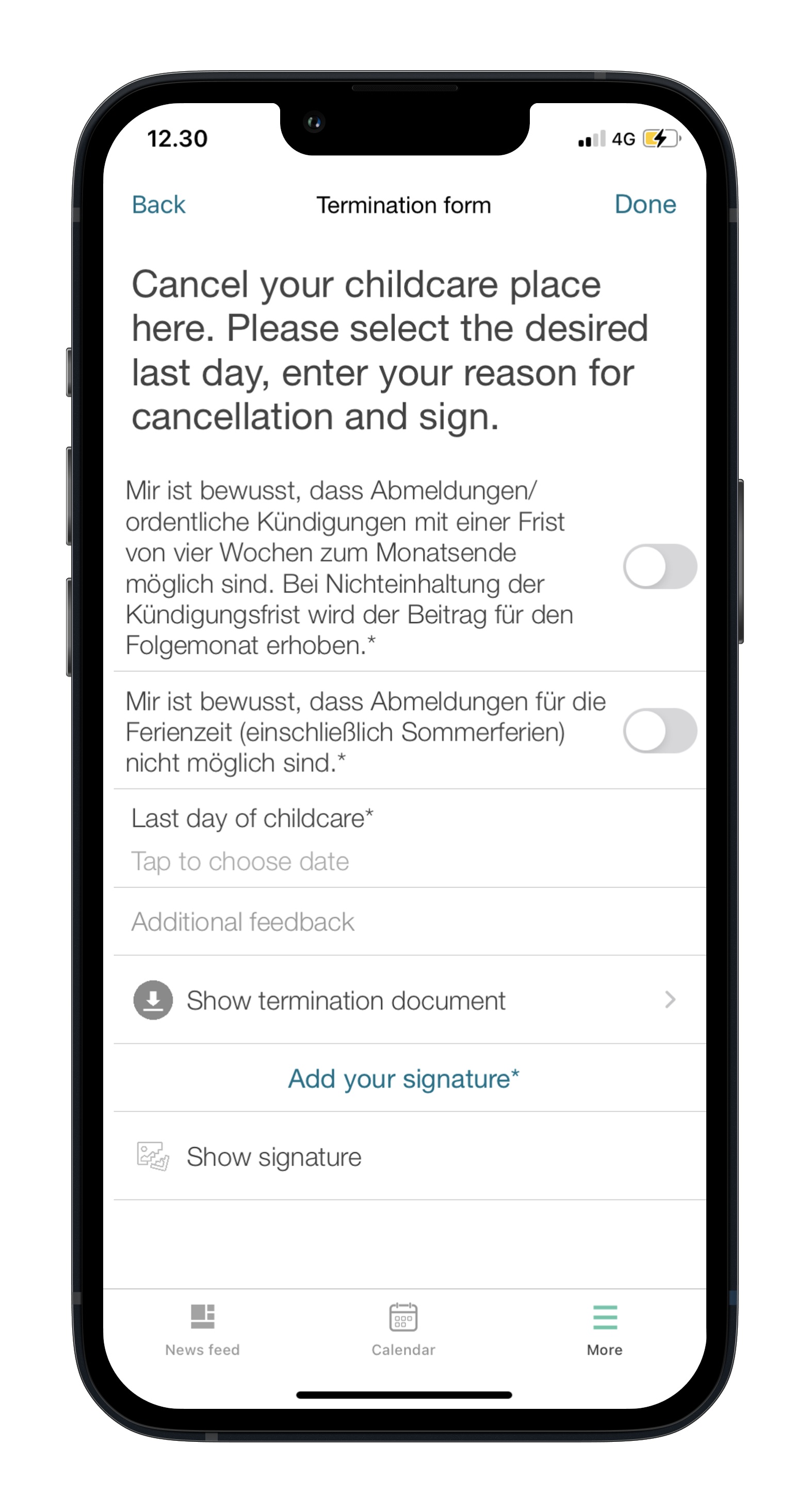
You can cancel your contract in the “Termination” function.
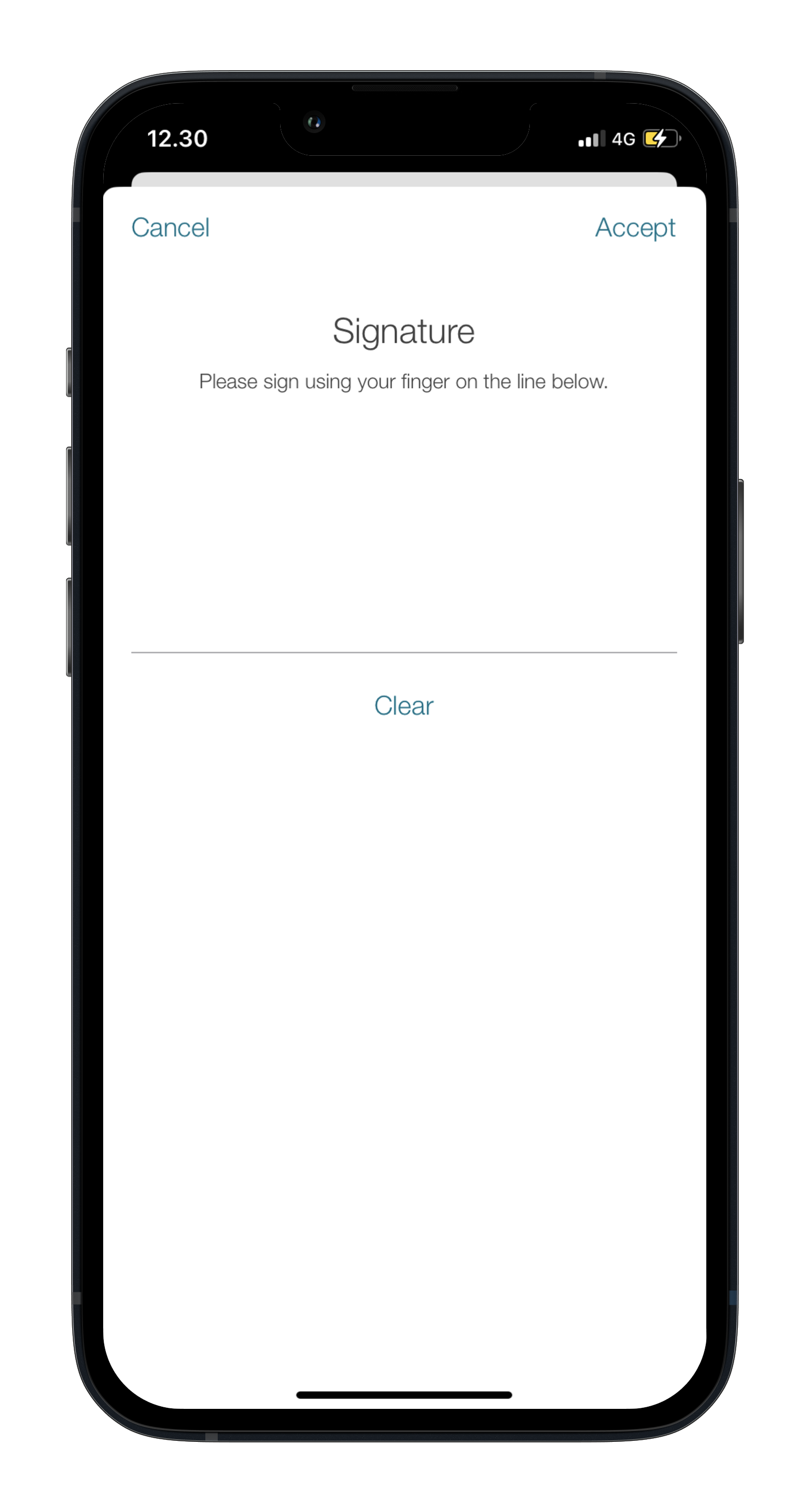
Please fill in the necessary details and sign the termination.
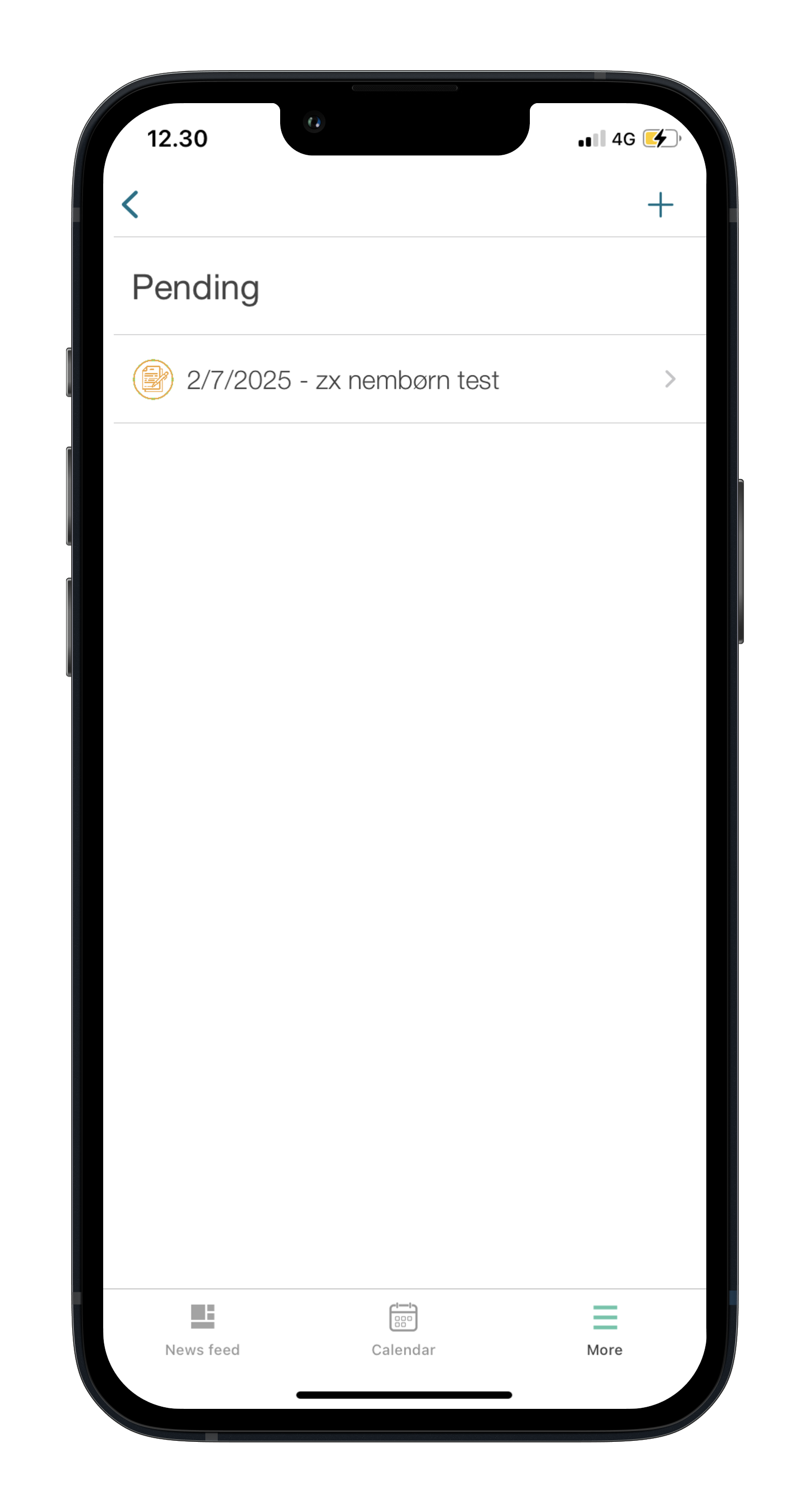
As soon as the termination has been sent, you can get an overview of the termination and its status. A new notice of termination can be created in the top right-hand corner
In the “My Contact Details” function, you can view your currently stored contact information.
If you need to make any changes, please contact us.


Update or add profile pictures through the “profile pictures” function under the “more” tab.
Access settings by tapping the cogwheel
Access the profile pictures tab by tapping it

Add or update profile pictures by tapping them


